
Built for the information you'd never leave lying around.
HearthBook holds documents, account details and the people in your life. Here is what protects it, in plain terms.
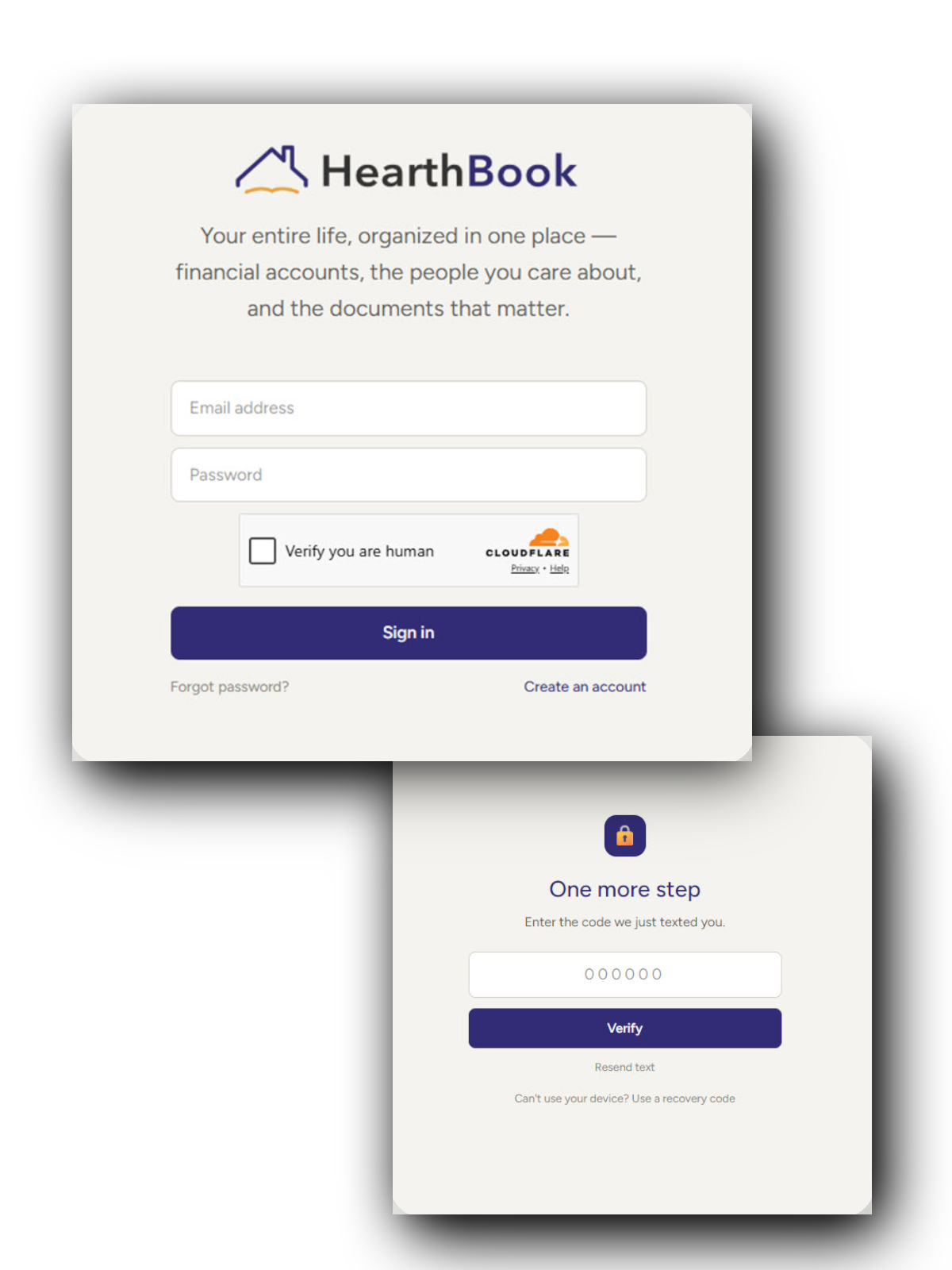
Simple steps to sign in, on every account, no exceptions
AES encryption on every file at rest
HearthBook's security at a glance

Account security
Two-factor sign-in on every account, no exceptions. Strong passwords, checked against known breaches.
Document protection
Your library sits behind its own PIN. Files are encrypted at rest, in transit and backed up nightly.

Sharing you control
You choose who sees what. Collaborators are read-only, shares expire, and you can revoke anything at any time.
Emergency Access
The people you choose can step in when it matters, view-only, after a waiting period you set, and you can stop it.
Activity records
Sign-ins, document activity and every Emergency Access action are recorded, and you can see them.
Recovery and continuity
Daily backups, a tested restore, uptime monitoring, and a 72-hour window if you delete your account.

What protects it, section by section.
Each card opens into what the control is, what it does for you, and a picture of it in the app. Nothing here is a promise; it is a description of how HearthBook works today.
Account Security
Two steps to sign in, every time, for everyone.
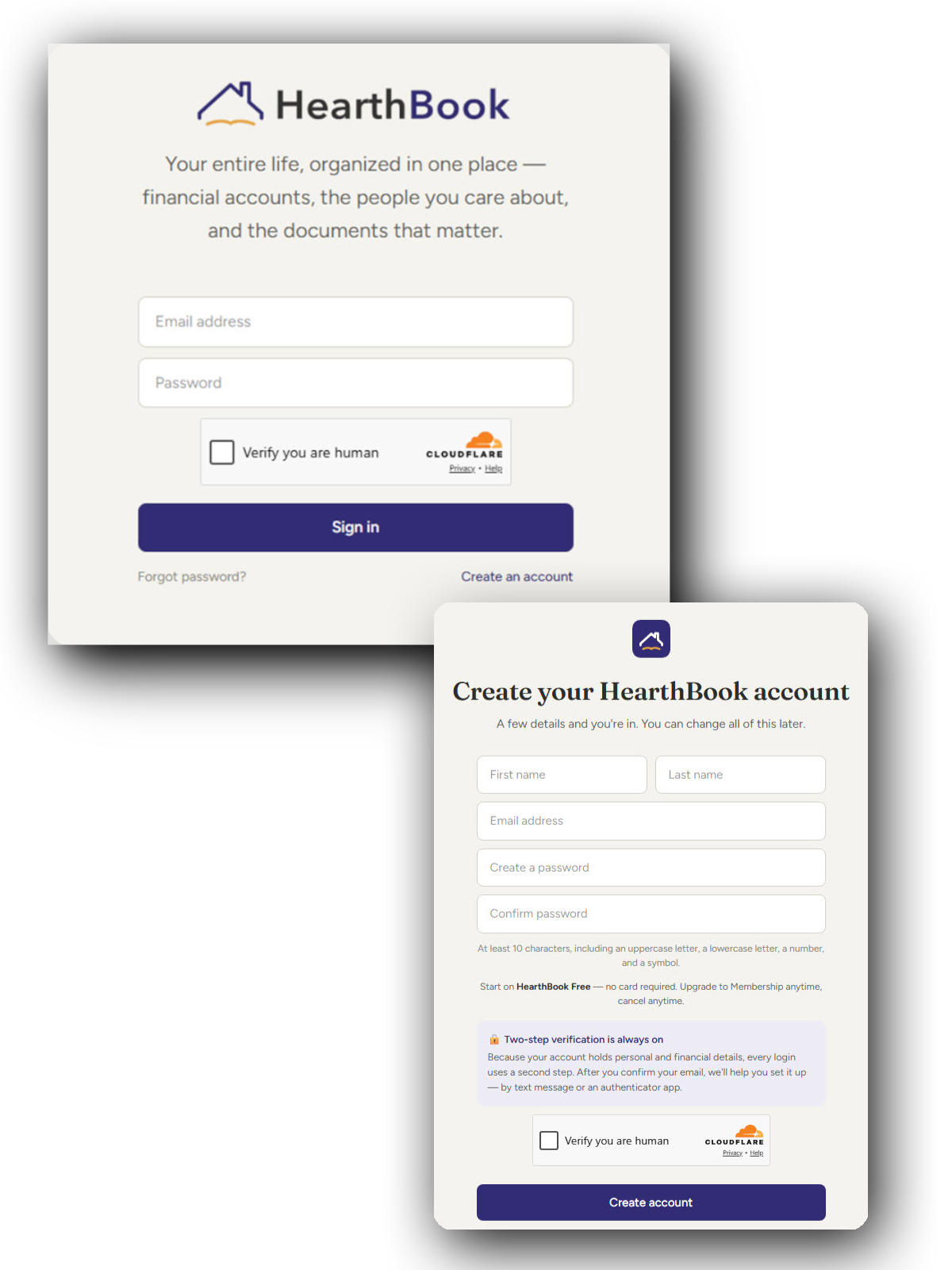
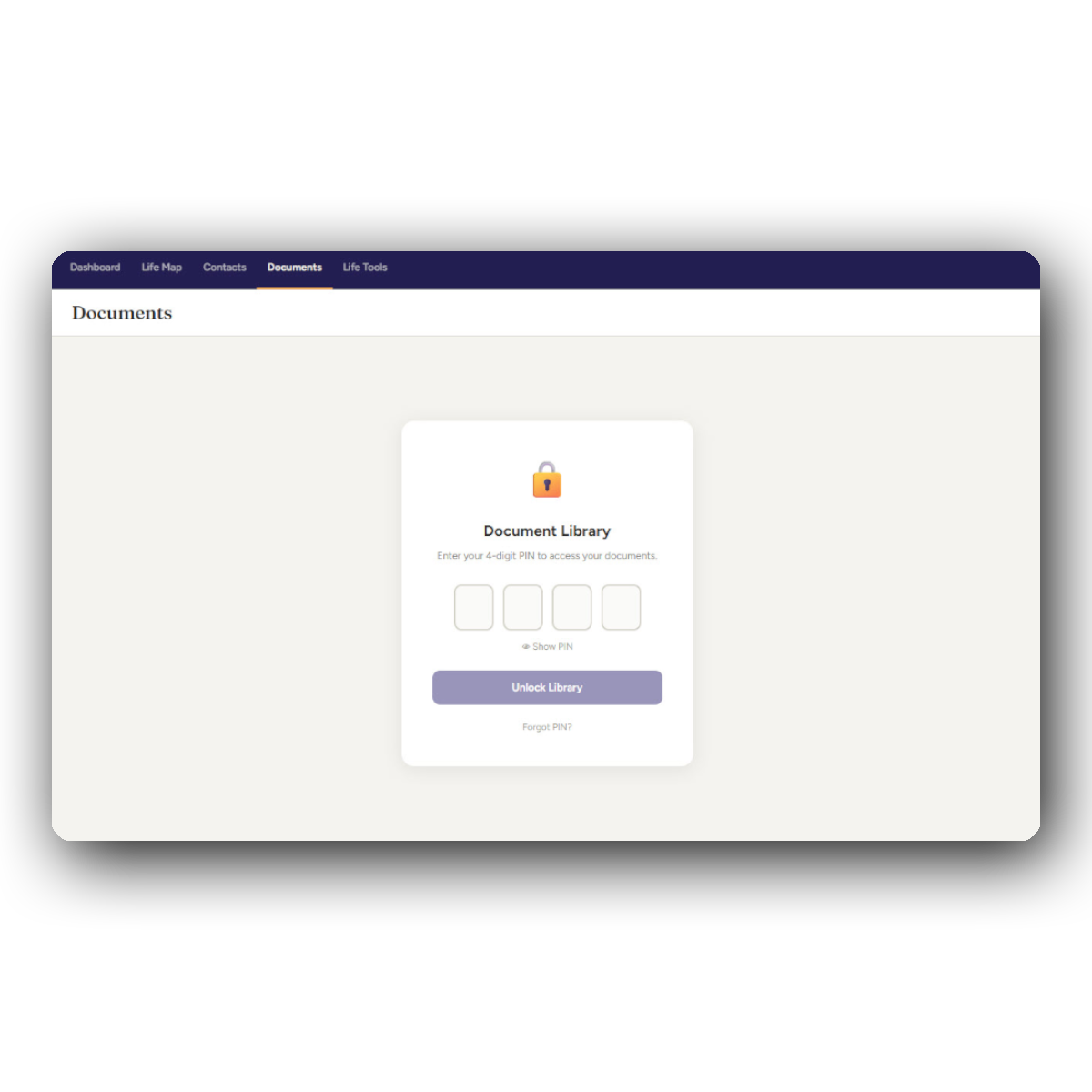
- Every HearthBook account uses two-factor sign-in. It is set up before you see any of your information, and it can't be turned off.
- You choose the second step: an authenticator app or a code by text message. Recovery codes cover a lost phone.
- Passwords must be at least 10 characters with upper and lower case, a number and a symbol, and each new password is checked against known breach lists before it is accepted.
- Changing your password requires your current one, so an open session can't be used to lock you out of your own account.
- Sessions end on their own: after 24 hours, or after two hours of inactivity. You can see every device signed in to your account under Settings, Security.
- Sign-in, registration and password-reset forms are protected against automated attacks, so a script can't guess at your account.
Document Protection
Your documents sit behind a second lock.
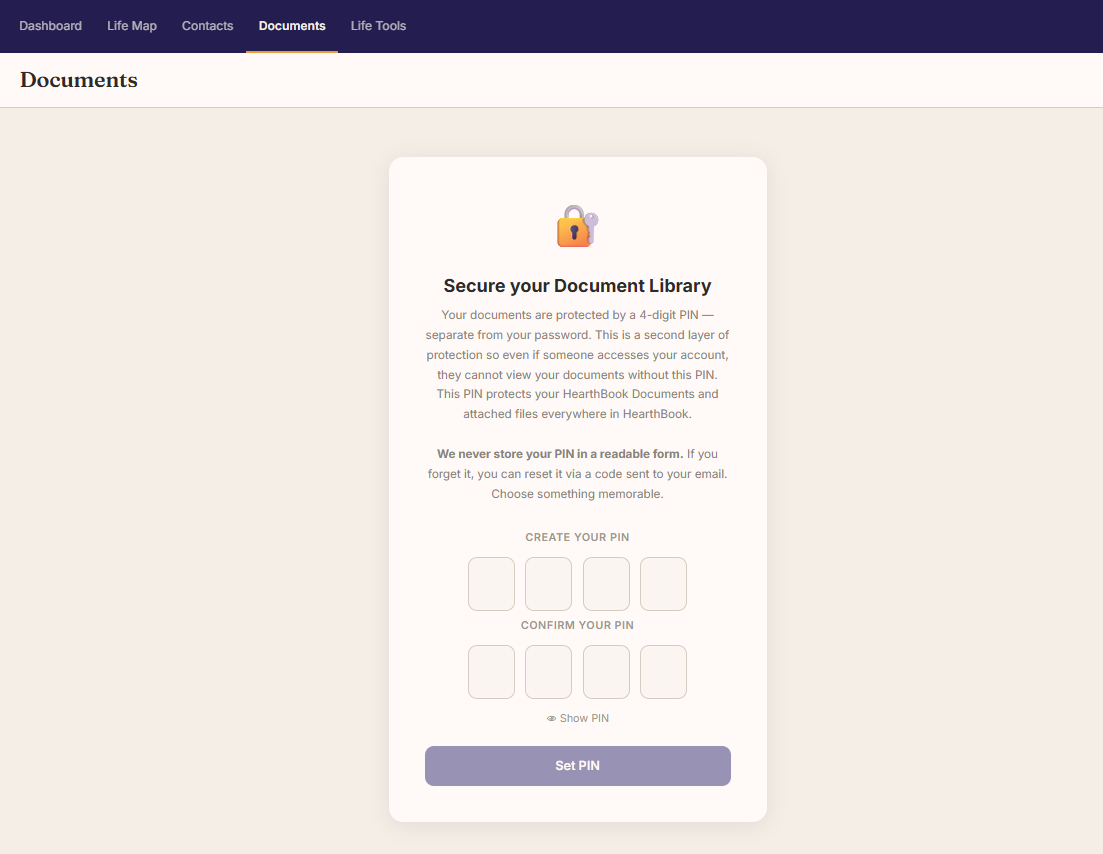
- The document library has its own four-digit PIN, separate from your password and your two-factor code. Being signed in is not enough to open it.
- The PIN check happens on our servers, not in your browser. An unlocked library closes again after 30 minutes, and three wrong attempts lock it for 15 minutes.
- Files are encrypted at rest with 256-bit AES and in transit with TLS 1.2 or newer. Nothing is sent or stored in the clear.
- Each file is opened through a short-lived, signed link that is issued only after the PIN has been passed. A link copied out of a browser stops working on its own.
- The library accepts PDF, JPEG, PNG and HEIC files up to 25 MB each, so what you store is what you uploaded, not a converted copy.
- The library is backed up every night to storage that is separate from the live system.
Sharing you control
You decide who sees what, and for how long.
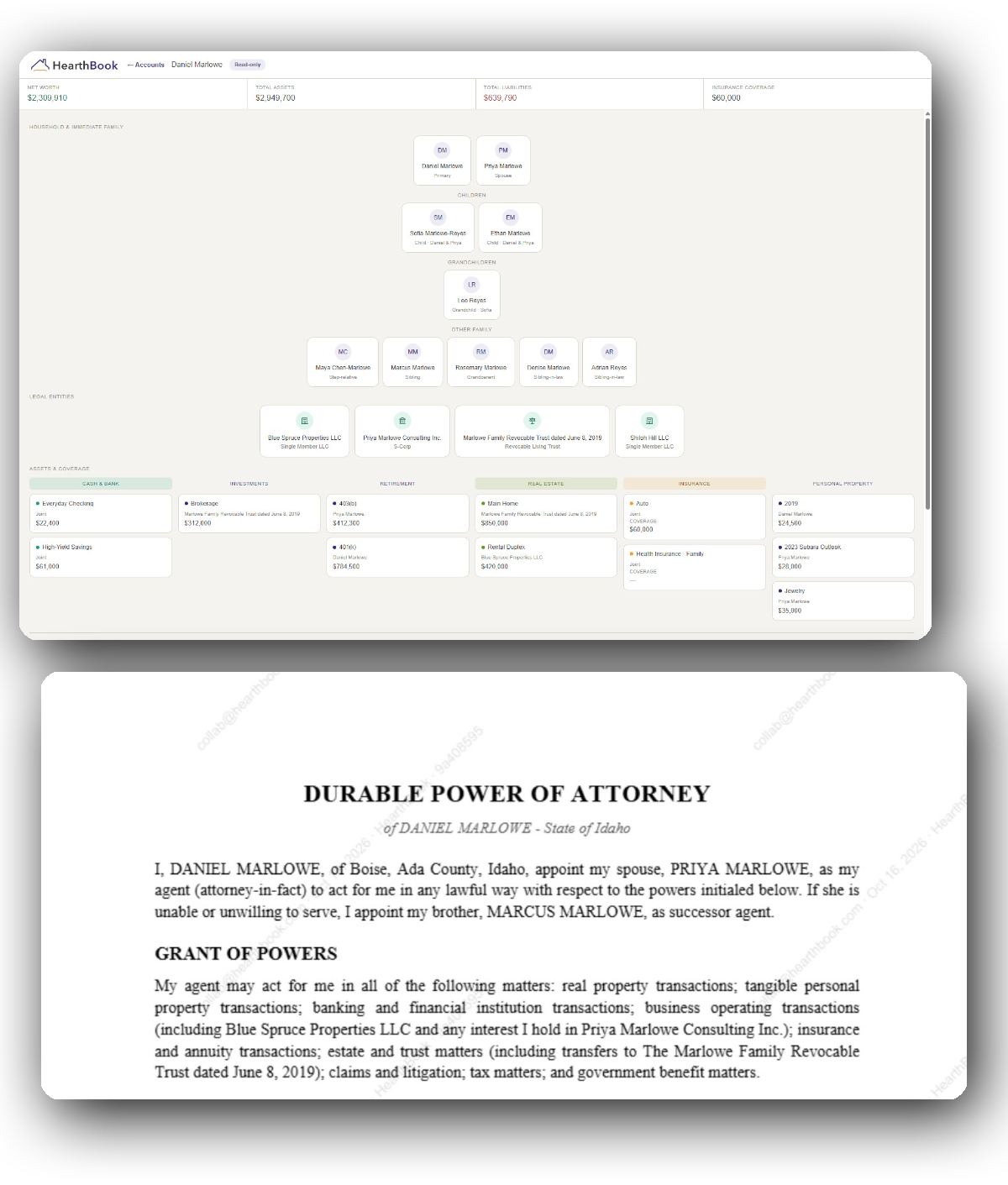
- Collaborators see your Life Map and only the documents you have explicitly shared with them. They can look; they cannot change anything, delete anything, or invite anyone.
- Each account has three collaborator seats, so the circle stays small on purpose. Invitations expire after 14 days if they are not accepted. You can remove at any time.
- Document shares expire on their own after 10 days. Review their access in your Document folder, showing how many times they've viewed the document, IP address, and expiration date.
- You can add a watermark with the recipient's email address, date, and a HearthBook document number.
- A collaborator can be attached to more than one HearthBook account, which suits an advisor or attorney who works with several members of a family or multiple individuals.
Emergency Access
A door for emergencies, built so it can’t be opened quietly
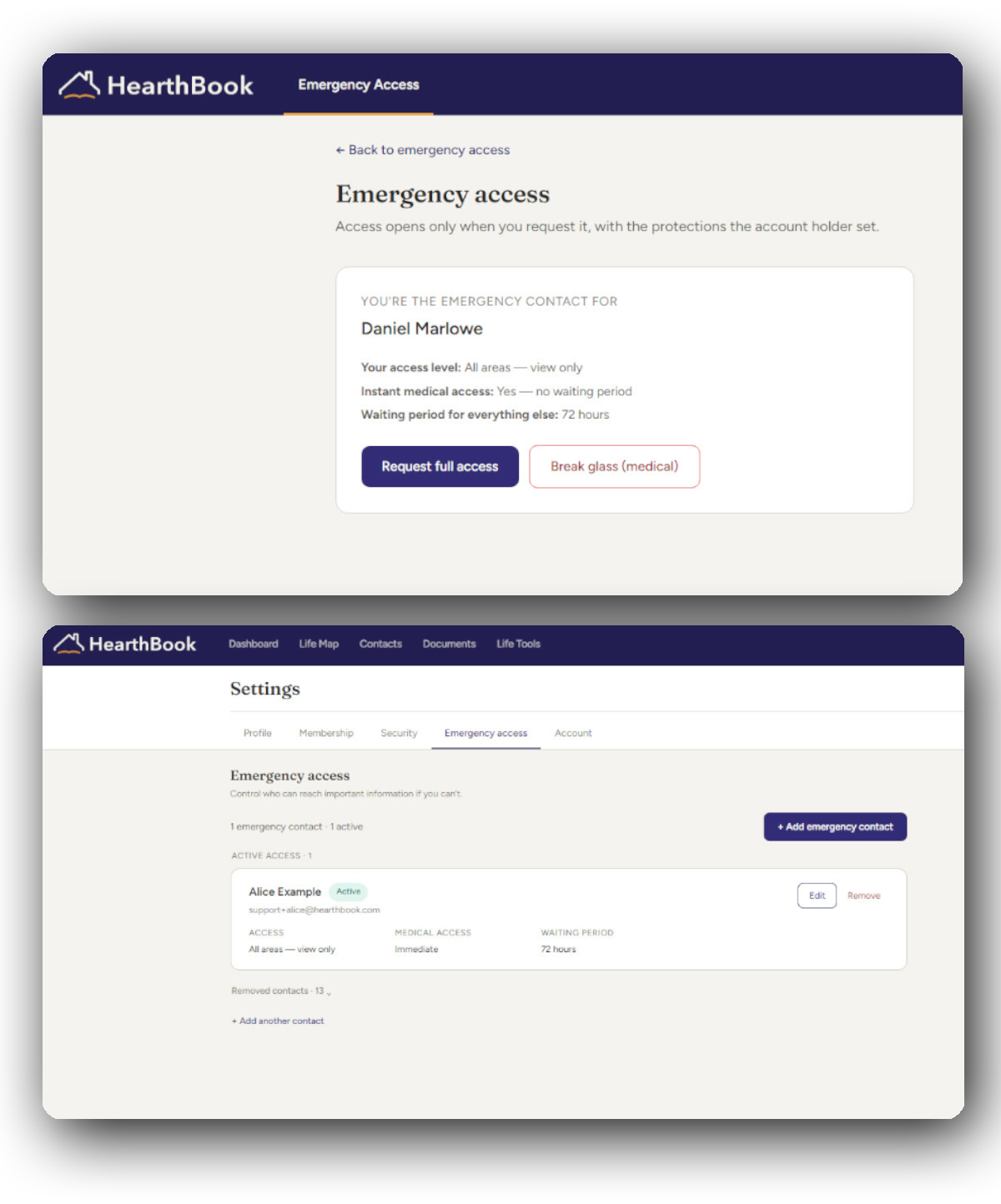
- You name the people. Emergency contacts are invited from Settings, Emergency access; the invitation is single-use and expires after seven days if it isn’t accepted. The contact signs in with two-factor like every other account.
- All areas, or only the ones you pick: contacts, documents, or your estate summary, with medical documents included. Nothing outside that choice is visible to them. You also set the waiting period, from the options HearthBook offers.
- Narrow the access, or remove the contact entirely, at any time, and the change takes effect on their next page load.
- Whether a contact waits out the period you set or breaks the glass, you’re notified the moment it happens, with their name on it.
- On the normal path nothing opens until your clock runs out, and you can stop the request at any point before then.
- Breaking the glass is immediate, and narrow. It opens your medical documents and your key contacts at once, for the moment that needs them, and nothing else. You’re told immediately, and it’s written into the record.
- An emergency contact can read; they cannot change, delete, share or invite. You can end access at any time, and the record of every step on either path is visible to you and to them.
Activity records
What happened on your account is written down, and you can read it.
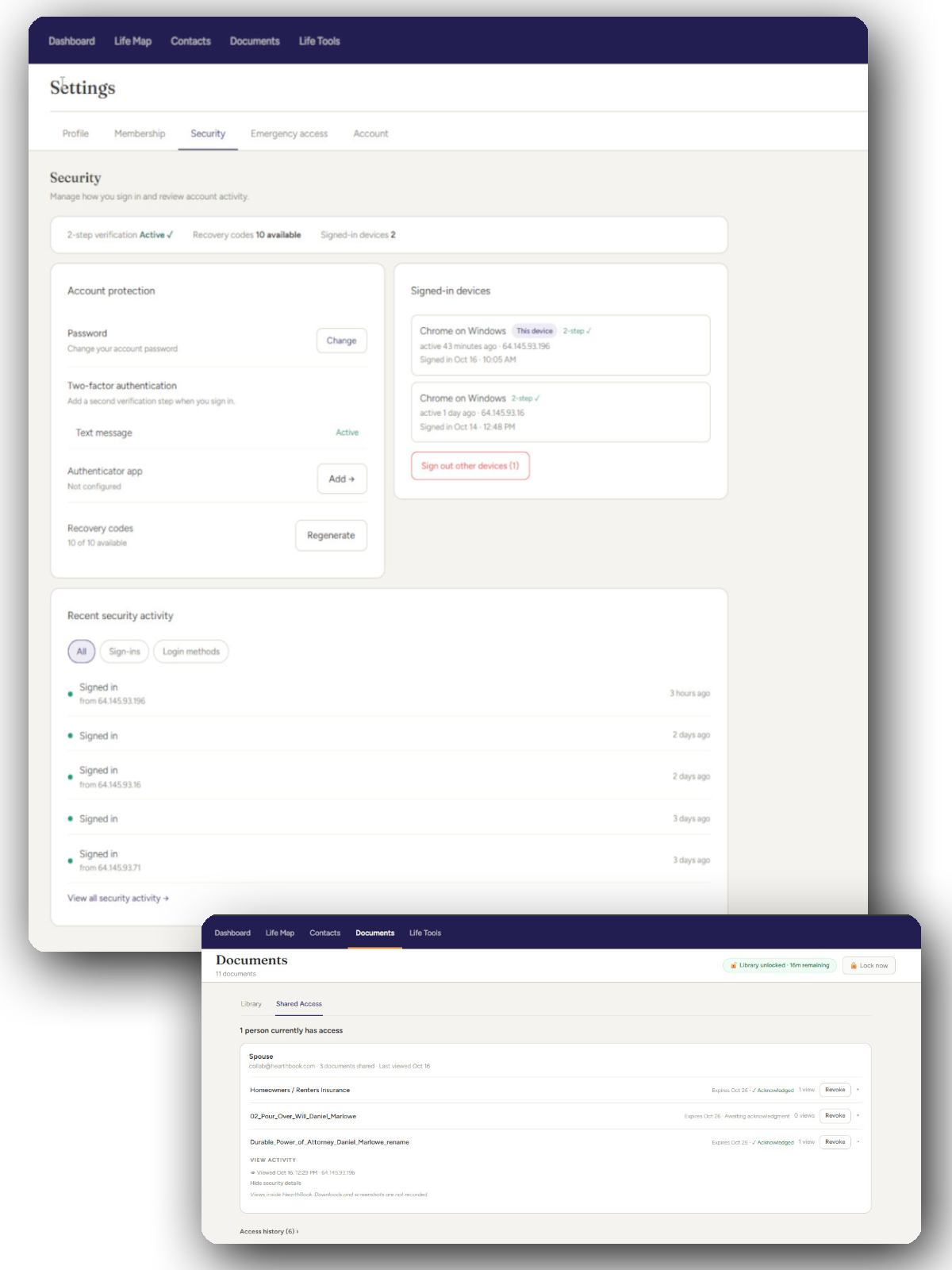
- Every sign-in to your account is recorded with the time and the device, and the list is yours to read, with the IP address of each, and to sign out from under Settings, Security.
- Document library activity is recorded: when the library was unlocked, and when a file was added, viewed, shared or removed.
- Once a document has been shared with a collaborator, you can see the activity: whether they’ve acknowledged it, the date and time of each view, the IP address, and when the share expires.
- Every Emergency Access action is recorded, from the invitation to the request, the waiting period, the opening, and any cancel or stop. The owner and the contact both have a record of it.
- These records are kept by HearthBook, not by your browser, so clearing history on a device does not clear them. Views inside HearthBook are recorded. Downloads and screenshots are not, and the app tells you so.
Recovery and Continuity
Backed up daily, and tested, not just kept.
- Your account data is backed up every day, and the document library is backed up every night to separate storage.
- A backup only counts once you’ve restored from it, so we run a full restore on a set schedule; the most recent one completed on 5 October 2026.
- HearthBook is monitored around the clock. If the app stops answering, we are notified before you would have noticed.
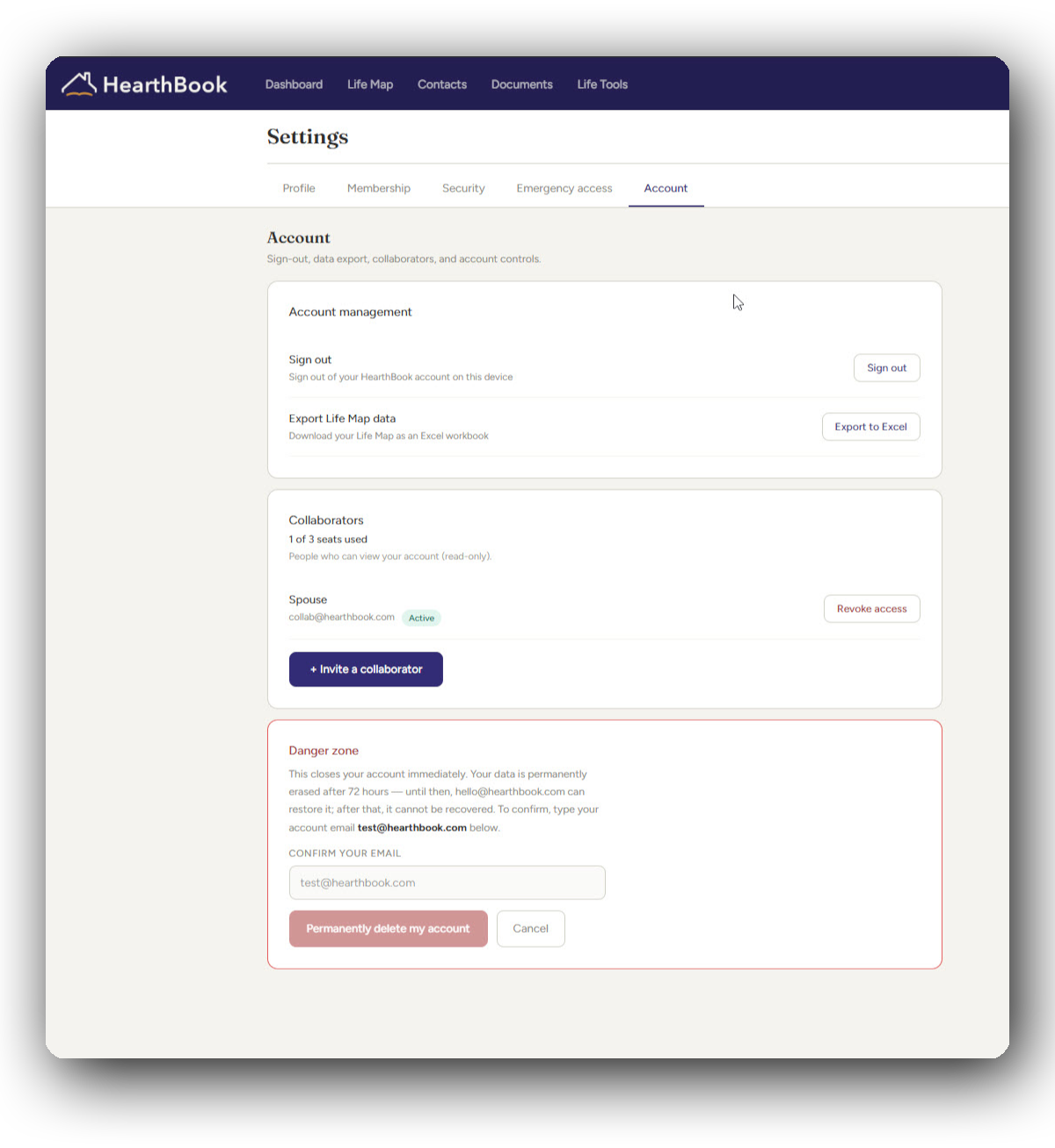
- If you delete your account, nothing is removed for 72 hours. Change your mind in that window and write to support@hearthbook.com; we restore the account exactly as you left it.
- After the 72 hour window, your records are removed and your billing is cancelled with it. Documents follow their own retention clock, so a file is never gone before you expect it to be.
How we operate
The parts you can't see.
- HearthBook's security program is designed around the SOC 2 Trust Services Criteria for Security and Confidentiality. We keep a written security program, a risk register and a control list, and we review them on a schedule. We have not yet been audited against SOC 2, but plan to, and we will say so plainly until we have.
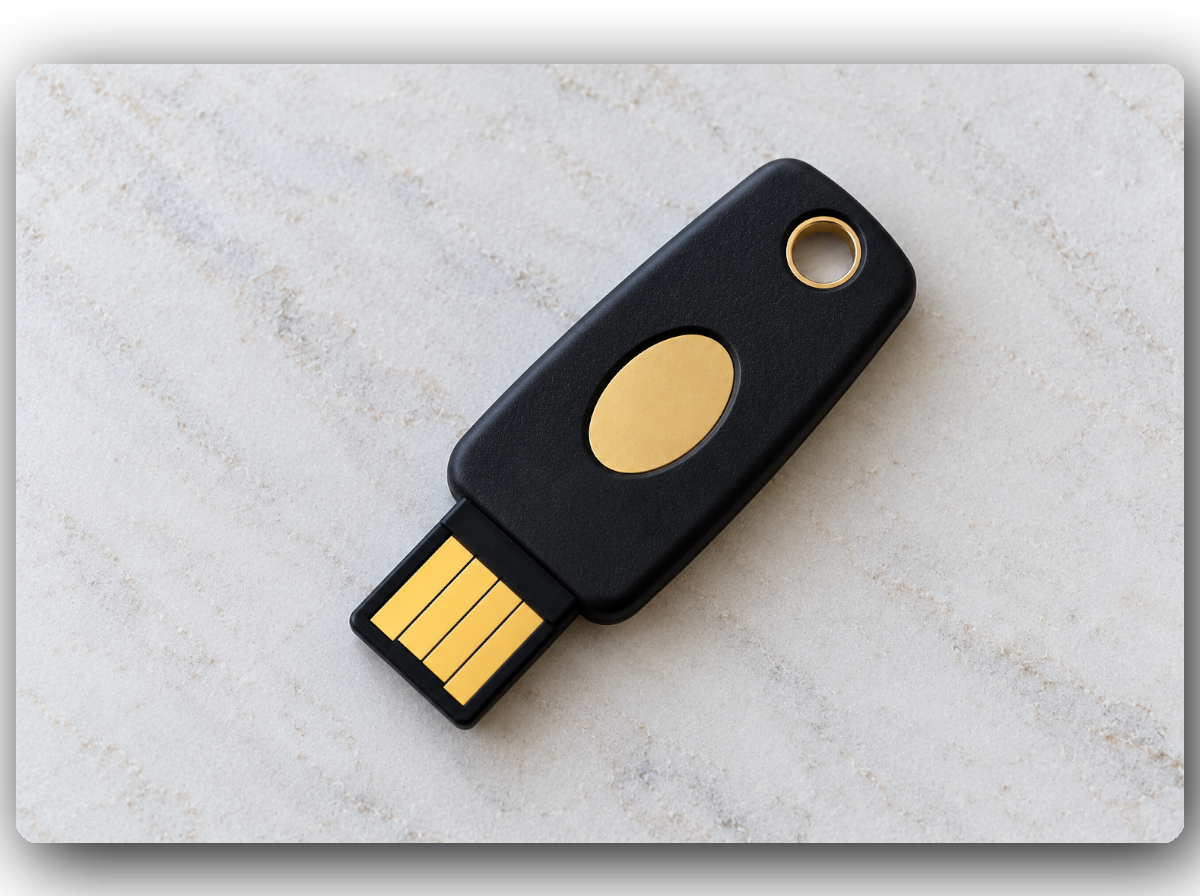
- Every change to HearthBook is signed with a hardware key before it can be merged, the main branch is protected so nothing lands without that signature, and each release is checked before it goes live. A change that cannot be traced to a signed commit does not ship.
- HearthBook runs on DigitalOcean, Supabase and Cloudflare, in United States data centers. The database, the document library and its backups all stay in the US. We do not sell data, and no one outside HearthBook has standing access to it.
- When you ask a question in HearthBook, the question and the answer are not saved to your HearthBook account. The AI provider we use keeps requests for no more than 30 days for abuse monitoring and does not train on them under a commercial agreement. Ask HearthBook does not see your document library.
Bring what matters together.
Start free and make the people, information, documents, and plans that matter easier to find, understand, and use.

1093 East Iron Eagle Drive
Ste 125
Eagle, Idaho 83616